

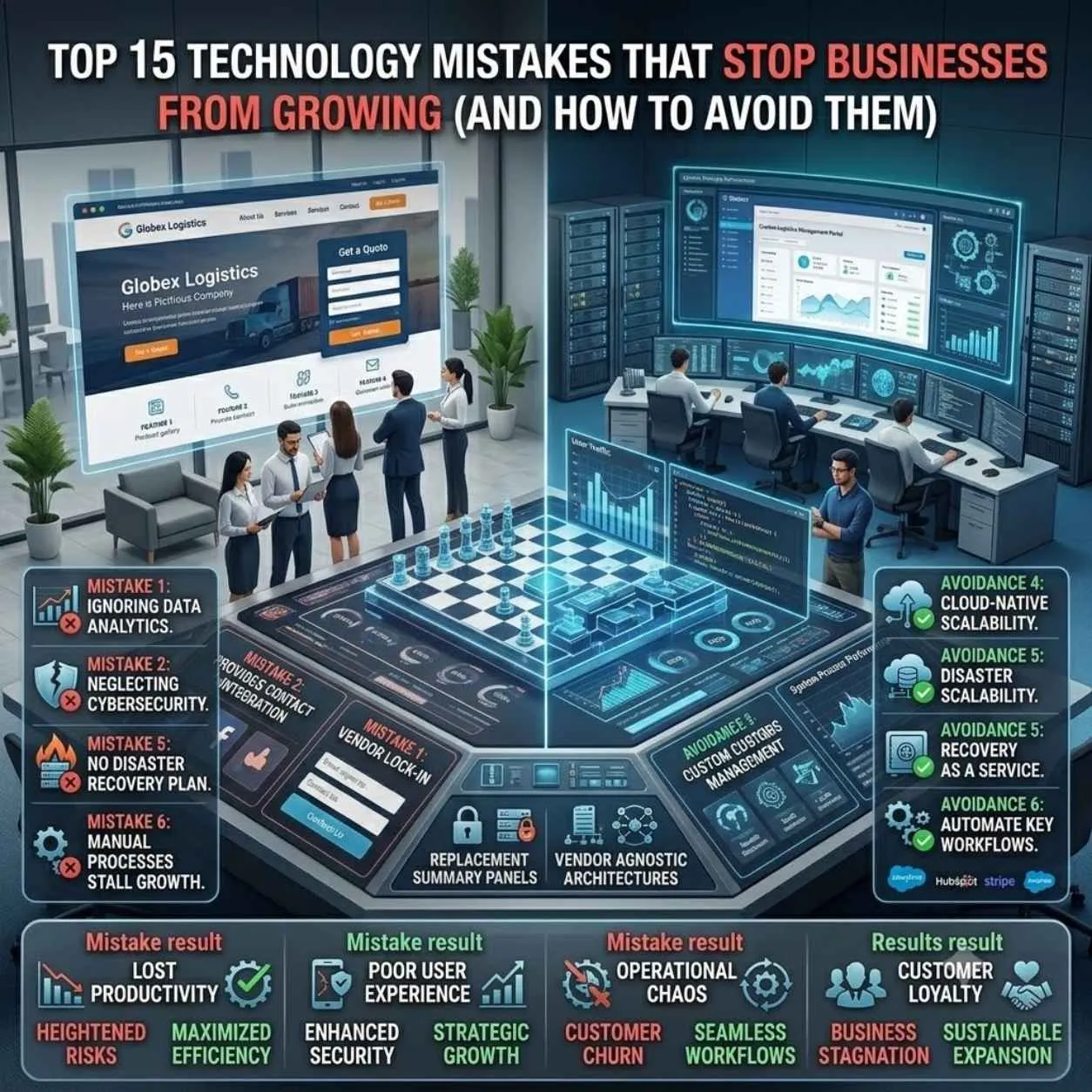

Introduction to Common Technology Mistakes
Are you wondering why your business is not growing as expected? It may be due to common technology mistakes that can hinder your progress. In this article, we will explore the top 15 technology mistakes that stop businesses from growing and provide solutions on how to avoid them.
Mistake 1: Using Outdated Software
Using outdated software can leave your business vulnerable to security risks and make it difficult to stay competitive. Inteliny Solution: Regularly update your software to ensure you have the latest features and security patches.
Mistake 2: No Backups
Losing important data can be devastating for any business. Inteliny Solution: Implement a backup system to ensure your data is safe and can be recovered in case of a disaster.
Mistake 3: Weak Cybersecurity
Cyberattacks can compromise your business's sensitive information. Inteliny Solution: Implement robust cybersecurity measures, such as firewalls and antivirus software, to protect your business from cyber threats.
Mistake 4: No SEO
Not optimizing your website for search engines can make it difficult for customers to find you. Inteliny Solution: Implement SEO strategies, such as keyword research and link building, to improve your website's visibility.
Mistake 5: Manual Processes
Manual processes can be time-consuming and prone to errors. Inteliny Solution: Automate repetitive tasks to increase efficiency and reduce errors.
Mistake 6: No CRM
Not having a customer relationship management (CRM) system can make it difficult to manage customer interactions. Inteliny Solution: Implement a CRM system to track customer interactions and improve customer satisfaction.
Mistake 7: No Analytics
Not tracking your website's analytics can make it difficult to understand your customers' behavior. Inteliny Solution: Implement analytics tools, such as Google Analytics, to track your website's performance and make data-driven decisions.
Mistake 8: No Automation
Not automating repetitive tasks can reduce productivity. Inteliny Solution: Automate tasks, such as email marketing and social media management, to increase efficiency.
Mistake 9: Poor UX
A poor user experience can drive customers away. Inteliny Solution: Implement a user-friendly design and conduct user testing to ensure your website is easy to navigate.
Mistake 10: Slow Website
A slow website can lead to high bounce rates and lost sales. Inteliny Solution: Optimize your website's speed by compressing images, minifying code, and using a content delivery network (CDN).
Mistake 11: Inadequate Training
Not providing adequate training to employees can reduce productivity. Inteliny Solution: Provide ongoing training and support to ensure employees have the skills they need to succeed.
Mistake 12: Insufficient Resources
Not having sufficient resources can hinder business growth. Inteliny Solution: Allocate sufficient resources, such as budget and personnel, to support business growth.
Mistake 13: Lack of Communication
Poor communication can lead to misunderstandings and errors. Inteliny Solution: Implement effective communication strategies, such as regular meetings and open communication channels.
Mistake 14: Inability to Adapt
Not being able to adapt to changing market conditions can make it difficult to stay competitive. Inteliny Solution: Stay agile and adapt to changing market conditions by continuously monitoring industry trends and adjusting your strategy accordingly.
Mistake 15: No Disaster Recovery Plan
Not having a disaster recovery plan can leave your business vulnerable to disasters. Inteliny Solution: Develop a disaster recovery plan to ensure business continuity in the event of a disaster.
Common Questions
What are the most common technology mistakes that stop businesses from growing?
The most common technology mistakes include using outdated software, not having backups, weak cybersecurity, and poor UX.
How can I avoid these mistakes?
To avoid these mistakes, regularly update your software, implement a backup system, invest in robust cybersecurity measures, and conduct user testing to ensure a user-friendly design.
Key Takeaways
- Avoid using outdated software and regularly update your systems.
- Implement a backup system to ensure data safety.
- Invest in robust cybersecurity measures to protect against cyber threats.
- Conduct user testing to ensure a user-friendly design.
- Automate repetitive tasks to increase efficiency.